

Landing in a new country with a dead phone signal is one of those small travel disasters that snowballs fast. No maps, no translation app, no way to confirm the address of tonight’s hotel. A hotspot SIM card solves this by giving a portable device its own dedicated data connection, letting a laptop, tablet, and multiple phones share reliable internet without hunting for café WiFi or paying airport roaming fees.
But not every hotspot SIM is created equal, and picking the wrong one leads to exactly the frustration it was supposed to prevent. Understanding how these SIMs actually work, and what separates a good one from a mediocre one, makes the difference between smooth connectivity and a trip spent troubleshooting a device instead of using it.
How a Hotspot SIM Card Actually Works
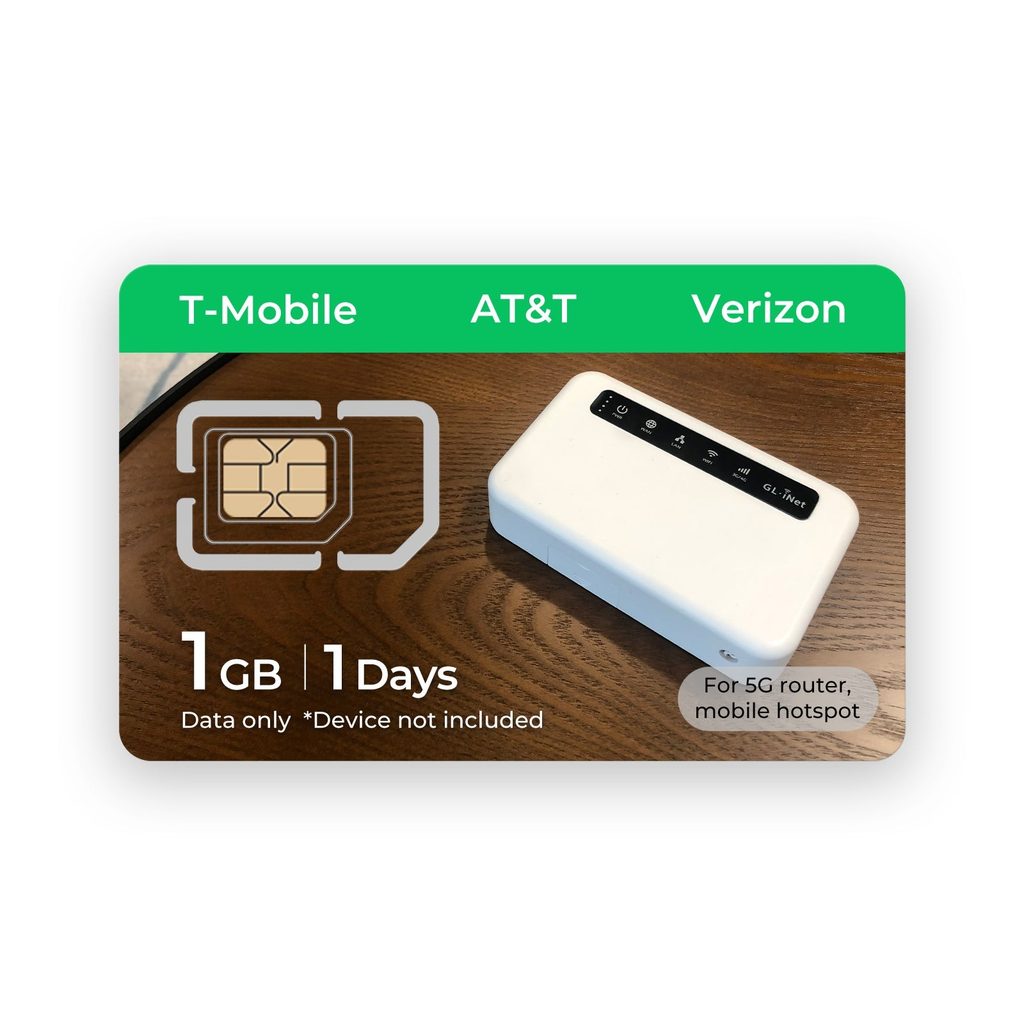
A hotspot SIM slots into a dedicated mobile hotspot device rather than a phone, giving that device its own independent data line. Multiple gadgets then connect to the hotspot over WiFi, all sharing that single cellular connection. This setup is particularly useful for groups or families traveling together, since one data plan covers everyone instead of juggling separate phone plans or SIM swaps for each traveler.
The appeal over relying on a phone’s hotspot feature comes down to battery life and signal strength. Dedicated hotspot hardware is built for exactly this job, so it doesn’t drain a phone’s battery or compete with phone functions for radio resources, which often means a more stable connection overall.
What Separates a Good Hotspot SIM From a Frustrating One
Network coverage in the destination country matters more than any other factor. A hotspot sim card that connects across multiple underlying carrier networks rather than locking to just one gives far more consistent coverage, since it can fall back to whichever network has the strongest signal in a given area. This flexibility matters even more outside major cities, where one carrier might have solid coverage and another barely any.
Data allowance is the second major factor, and it’s worth being honest about actual usage rather than optimistic guessing. Streaming video, video calls, and navigation apps running in the background all add up faster than expected. Checking the fine print on throttling after a certain data threshold avoids the surprise of suddenly crawling speeds midway through a trip.
Speed Tiers and Network Generations
Not all hotspot SIMs deliver the same speed, and the underlying network generation matters. A SIM built around current-generation networks generally handles video calls and streaming more smoothly than older network tiers, which can lag noticeably when several devices are connected at once.
Setting Up Before You Leave
Activate the SIM and confirm it’s working before departure whenever possible, rather than discovering an issue after landing with no easy way to fix it. Most providers, including Eiotclub, offer activation guidance that walks through inserting the SIM, powering on the hotspot device, and confirming a data connection before the trip even starts.
It also helps to note the hotspot’s WiFi network name and password somewhere accessible offline, since fumbling through settings menus in an unfamiliar airport with no signal is its own small headache. A quick photo of the login screen before leaving home solves this in seconds.
Getting the Most Out of the Trip
Keep the hotspot charged and within reach, since a fully charged device that’s left in a locked hotel room does no good on a day trip. Pair it with a portable battery pack for longer excursions where an outlet isn’t guaranteed. Monitoring data usage through the device’s companion app, if available, helps catch unusually heavy consumption before it eats through an entire trip’s allowance in a day or two.
For trips involving multiple travelers, splitting the cost of one hotspot SIM plan across the group is often far cheaper than everyone buying separate local SIMs or paying individual roaming fees.
Traveling Connected Without the Guesswork
A well-chosen hotspot SIM card turns a potential travel headache into a non-issue, keeping maps, translation tools, and communication running smoothly across an entire trip. The keys are checking real network coverage in the destination, sizing the data plan honestly, and testing the setup before departure.
With those basics covered, a hotspot becomes one less thing to think about while traveling, which is exactly the point.