
There was a time when dealing with government services meant long lines, early mornings, and a lot of patience. If you’ve ever tried to process anything related to your SSS account the traditional way, you probably remember the frustration. The waiting. The uncertainty. The “come back tomorrow” moments.
That’s exactly why the SSS Portal exists—and honestly, it’s a game changer.
But here’s the thing… many people still don’t fully understand how to use it properly. Some are afraid they might click the wrong thing. Others create an account and never log in again. And a few just stick to old habits because “it’s safer.”
If that sounds like you, don’t worry. This guide will walk you through everything—step by step—with clarity, honesty, and a bit of real-world perspective.
What is the SSS Portal?
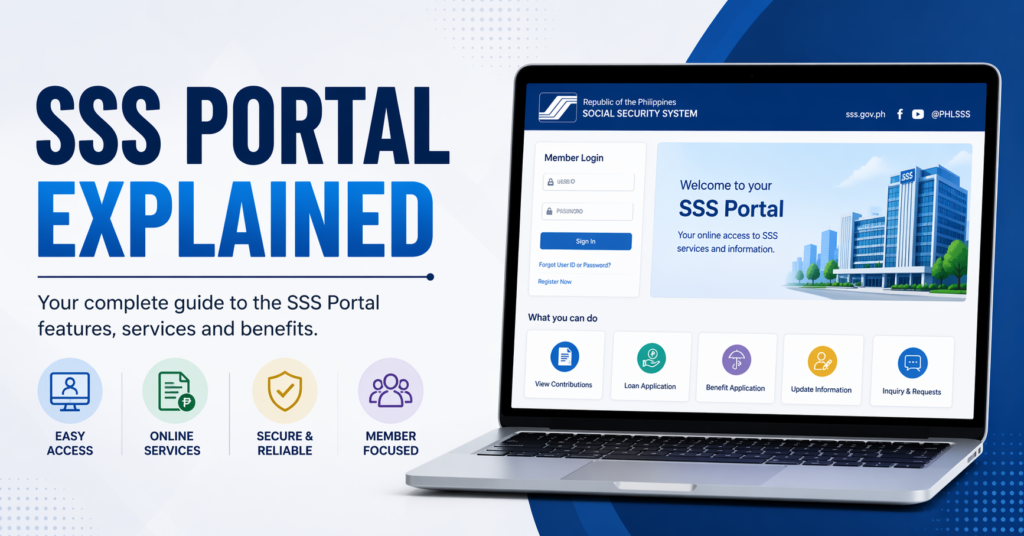
SSS Portal is an online platform designed to help members of the Social Security System access their accounts anytime, anywhere. Instead of physically visiting a branch, you can manage your contributions, apply for loans, check benefits, and update personal information online.
Think of it as your personal SSS office—just without the queue.
It’s not just about convenience. It’s about control. You can see your records in real time, track your contributions, and avoid unnecessary delays.
And yet, despite all these advantages, many users still feel overwhelmed at first. That’s normal. The interface isn’t perfect, and sometimes it can feel a bit… confusing. But once you get the hang of it, it becomes incredibly useful.
Key Features of the SSS Portal
The SSS Portal offers a wide range of features, and understanding them is the first step to using the platform effectively.
One of the most important features is account access and management. You can view and update your personal details without visiting a branch.
Then there’s the contribution inquiry. This is where things get interesting. You can check if your employer is actually paying your contributions. Many people don’t realize how important this is until something goes wrong.
Another key feature is loan application and monitoring. Whether it’s salary loans or other benefits, the portal allows you to apply and track your status.
You also get access to benefits claims, including maternity, sickness, and retirement benefits. The process is much more streamlined compared to traditional methods.
And finally, there’s online payment and verification, which saves time and reduces errors.
Who Can Use the SSS Portal?
The SSS Portal is designed for a wide range of users.
If you’re an employee, you can use it to monitor your contributions and benefits.
Self-employed individuals can manage their payments and keep track of their records.
Employers also have access to a dedicated section where they can handle employee contributions and compliance.
Even voluntary members and overseas workers can benefit from the platform. In fact, for people working abroad, the SSS Portal isn’t just convenient—it’s essential.
But here’s a small reality check: just because you can use it doesn’t mean you’re automatically comfortable with it. Many users create accounts but never explore the features fully. That’s where this guide helps bridge the gap.
How to Register on the SSS Portal
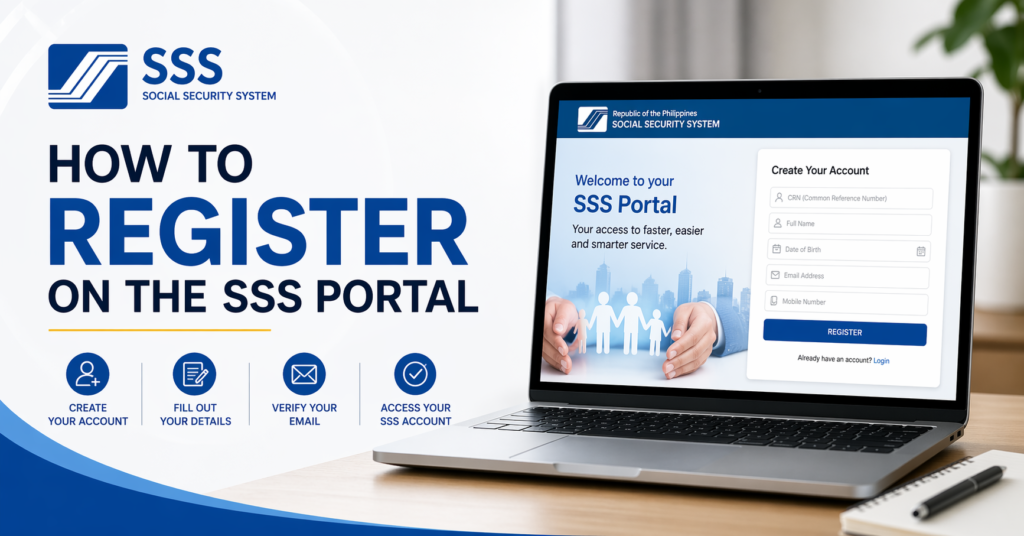
Registering SSS Portal is your first step—and honestly, it’s easier than most people expect.
You start by visiting the official SSS website and selecting the registration option.
You’ll need to provide basic information such as your SSS number, email address, and personal details. Make sure everything matches your official records. Even a small mismatch can cause delays.
After submitting your details, you’ll receive a confirmation email. This is where some people get stuck—they forget to check their inbox or spam folder.
Once confirmed, you’ll set up your username and password.
Here’s a quick tip: don’t rush this part. Choose a strong password that you can remember but others can’t easily guess.
And yes, it might feel like “just another account,” but this one actually matters. It holds sensitive financial and personal information.
How to Login SSS Portal
Logging in sounds simple, right? And it usually is—until it isn’t.
You enter your username and password, click login, and you’re in.
But sometimes, users face issues like forgotten passwords or locked accounts. It happens more often than you’d think.
If you forget your password, use the “forgot password” option and follow the steps to reset it.
One small mistake people make is trying multiple wrong passwords quickly. This can temporarily lock your account.
So take it slow. Double-check your details.
And once you’re logged in, take a moment to explore the dashboard. It might look a bit overwhelming at first, but everything is organized into sections.
How to Use the SSS Portal Effectively
Using the SSS Portal effectively is not just about logging in—it’s about knowing what to do once you’re inside.
Start by checking your contribution history. This is one of the most important sections. Make sure everything is accurate.
Next, explore the loan section. Even if you don’t need a loan right now, understanding the process will save you time later.
You should also regularly update your personal information. Life changes—addresses, contact numbers, even employment status. Keeping your records updated prevents future issues.
Another useful tip is to familiarize yourself with the notifications and alerts. These can help you stay informed about important updates.
And here’s something people often overlook: log in regularly. Don’t wait until you urgently need something.
Benefits of Using the SSS Portal
The benefits of the SSS Portal go beyond convenience.
First, it saves time. You don’t have to travel or wait in long lines.
Second, it gives you transparency. You can see your contributions and ensure everything is in order.
Third, it provides faster processing. Many transactions are quicker online compared to manual processing.
There’s also a sense of independence. You’re not relying on someone else to check your records or process your requests.
And honestly, once you get used to it, going back to traditional methods feels… outdated.
Common Problems and How to Fix Them
Let’s be real—the SSS Portal isn’t perfect.
One common issue is login problems. This is usually caused by incorrect credentials or forgotten passwords. The solution is simple: use the password recovery option.
Another issue is slow loading or system downtime. This can be frustrating, especially when you’re in a hurry. In such cases, try accessing the portal during off-peak hours.
Sometimes, users encounter errors due to mismatched information. Always double-check your details during registration.
There are also cases where emails don’t arrive. Check your spam folder or try resending the confirmation.
And yes, it can feel annoying at times. But most issues have straightforward solutions if you stay patient.
Tips for Safe and Secure Use
Security is something you should never ignore.
Always use a strong password and avoid sharing it with anyone.
Log out after each session, especially if you’re using a public or shared computer.
Avoid clicking on suspicious links or emails claiming to be from SSS. Scams do exist, and they can be convincing.
Keep your email account secure as well, since it’s linked to your SSS Portal.
And one more thing—update your password regularly. It might feel unnecessary, but it adds an extra layer of protection.
SSS Portal vs Traditional Transactions
Comparing the SSS Portal to traditional transactions is like comparing online shopping to standing in a crowded store.
With the portal, everything is faster, more convenient, and accessible anytime.
Traditional transactions, on the other hand, involve travel, waiting, and limited office hours.
However, some people still prefer the traditional method because they feel more comfortable speaking to a person.
And that’s fair.
But the reality is, the SSS Portal is the future. It’s designed to make processes easier and more efficient.
The more you use it, the more confident you become.
FAQs
What is the SSS Portal used for?
The SSS Portal is used to manage your SSS account online, including checking contributions, applying for loans, and updating personal information.
Is the SSS Portal free to use?
Yes, creating and using an SSS Portal account is completely free.
Can I access the SSS Portal on my phone?
Yes, the portal is accessible through mobile browsers, making it convenient for users on the go.
What should I do if I forget my password?
Use the password recovery option and follow the instructions to reset your password.
Is the SSS Portal safe?
Yes, as long as you follow proper security practices like using strong passwords and avoiding suspicious links.
Conclusion
The SSS Portal isn’t just a digital tool—it’s a shift in how people interact with essential services.
At first, it might feel unfamiliar. Maybe even a little intimidating. That’s okay.
But once you start using it, you’ll realize how much time and effort it saves.
No more long lines. No more unnecessary stress.
Just simple, direct access to your account—whenever you need it.
And honestly, in today’s fast-moving world, that kind of convenience isn’t just helpful… it’s necessary.