
In the current landscape of performance marketing, the “one-shot” generation is a productivity trap. Marketers often enter a prompt, hit generate, and hope for a finished asset. When the output is 90% perfect but features a misplaced hand or an incorrect product color, the instinct is often to rewrite the prompt and try again. This cycle is fundamentally inefficient. High-volume creative production requires a shift toward a surgical, iterative workflow where the initial generation is merely the foundation, not the final product.
The real value in generative media today lies in the ability to pivot—to take a nearly-perfect image and refine its flaws through regional editing and inpainting. This systems-minded approach treats an image as a collection of variables rather than a static file. By isolating specific zones for modification, teams can maintain the composition they like while testing different value propositions, localized backgrounds, or product variants.
The Strategic Shift from Generation to Editing
Most creative operations struggle with consistency. If you generate ten different images for an A/B test, you aren’t just testing the variable (like a background change); you are testing ten entirely different lighting setups, character faces, and compositions. This introduces too much noise into the data. To isolate what actually drives a click, you need the control of an AI Image Editor.
The precision pivot involves using tools like Banana AI to lock in the “winning” elements of a creative—the model’s expression or the lighting—while swapping out the secondary elements. This is where inpainting becomes a commercial lever. Instead of rolling the dice on a new generation, a designer can mask a specific area and instruct the model to replace a generic coffee cup with a branded bottle. This maintains the visual integrity of the original asset while creating a high-fidelity variant.
However, a point of uncertainty remains in the industry regarding the “seams” of these edits. While modern algorithms are adept at blending, there is always a risk that a localized change may not perfectly inherit the global illumination of the original scene. It requires a practical eye to identify when an inpainted region feels “pasted on” versus naturally integrated.
Workflow Optimization with Nano Banana Pro
Efficiency in a production pipeline is often dictated by the weight and speed of the underlying model. While massive models are excellent for complex world-building, they can be overkill for granular iterations. This is where Nano Banana Pro serves a specific purpose in the workflow. It is designed for those moments where speed and responsiveness are prioritized over heavy-duty architectural rendering.
When a performance marketer needs to iterate on twenty variations of a social tile, they cannot afford a three-minute wait for each change. Using a streamlined model like Nano Banana allows for a more conversational editing experience. You mask, you prompt, and you see the result in seconds. This rapid feedback loop is essential for creative teams who are trying to keep up with the burn rate of modern ad platforms.
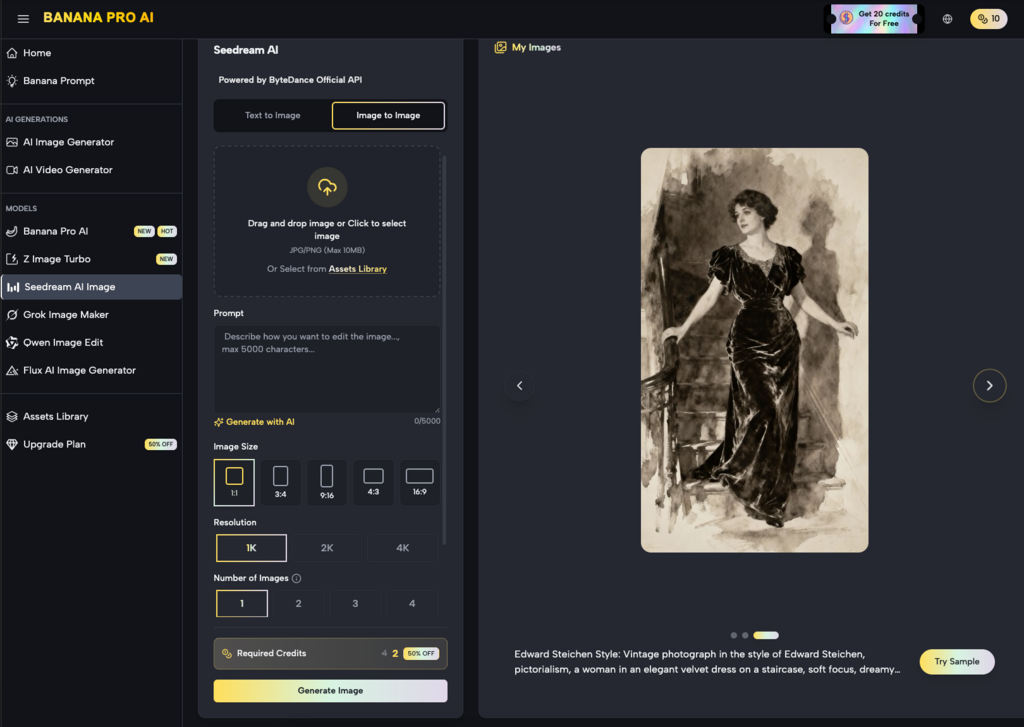
In this context, the Banana Pro ecosystem functions as a workspace rather than a single tool. It allows the creator to move between a high-fidelity base generation and a lightweight refinement stage. The goal is to spend less time in the prompt box and more time on the canvas, manually guiding the AI toward the desired commercial outcome.
Regional Changes as a Personalization Engine
Personalization is often the difference between a conversion and a scroll-by. In traditional production, localizing an ad for five different markets would require five different shoots or hours of manual Photoshop work. With regional editing, it becomes a batch process.
By identifying the “regional” zones of an image—the storefront in the background, the clothing of the model, or the specific flora in a landscape—creators can use inpainting to localize assets. A summer campaign can be pivoted to an autumn aesthetic by simply inpainting the foliage and the model’s attire. This level of control ensures that the core creative strategy remains intact across different demographics.
It is worth noting a limitation here: high-precision text remains a challenge for most inpainting workflows. If you are attempting to inpaint specific, small-scale typography onto a moving surface, the results can be inconsistent. It is often better to use AI for the visual context and overlay text via traditional design software to maintain brand standards.
Bridging the Gap Between Image and Video
The logic of iterative editing doesn’t stop at static imagery. In many creative pipelines, the final goal is a high-impact video. However, generating a video from a raw text prompt often results in “hallucinations” or lack of control. A more stable workflow involves perfecting a static image first through the AI Image Editor and then using that high-quality, edited frame as the seed for motion.
When you have used inpainting to ensure every detail of a product is correct in the static version, the video generator has a much stronger reference point. This reduces the likelihood of the product morphing or distorting during the animation process. The “Precision Pivot” here is ensuring the base asset is 100% compliant with brand guidelines before a single frame of video is rendered.
Managing the Inpainting Feedback Loop
Practical judgment is required when deciding when to stop inpainting and when to start over. A common mistake is “over-fixing” an image. If you have inpainted 60% of an image across ten different sessions, the structural coherence of the lighting and perspective may begin to break down.
A better production rule of thumb is the 20% rule: if you can achieve your goal by changing less than 20% of the image, inpainting is the superior choice. If the changes required are more fundamental—such as changing the camera angle or the entire core subject—it is more efficient to go back to the base model in Banana Pro and start a new generation string.
Technical Realities and Resolution Constraints
One must be cautious about resolution when working with regional edits. In many web-based workflows, inpainting a very small area can sometimes result in a localized “blur” if the tool doesn’t properly upsample the masked region. Performance marketers need to ensure that their final output is sharpened and upscaled consistently so that the inpainted patches don’t reveal themselves as lower-quality artifacts when viewed on high-resolution mobile screens.
Furthermore, there is an expectation-reset needed regarding complex physics. AI still struggles with “contact points”—the places where a hand touches a surface or where an object sits in a shadow. When inpainting these areas, you may need multiple passes or a manual touch-up to ensure the shadows look grounded. It is not yet a “one-click” solution for perfect physical interaction.
The Commercial Value of the Canvas Workflow
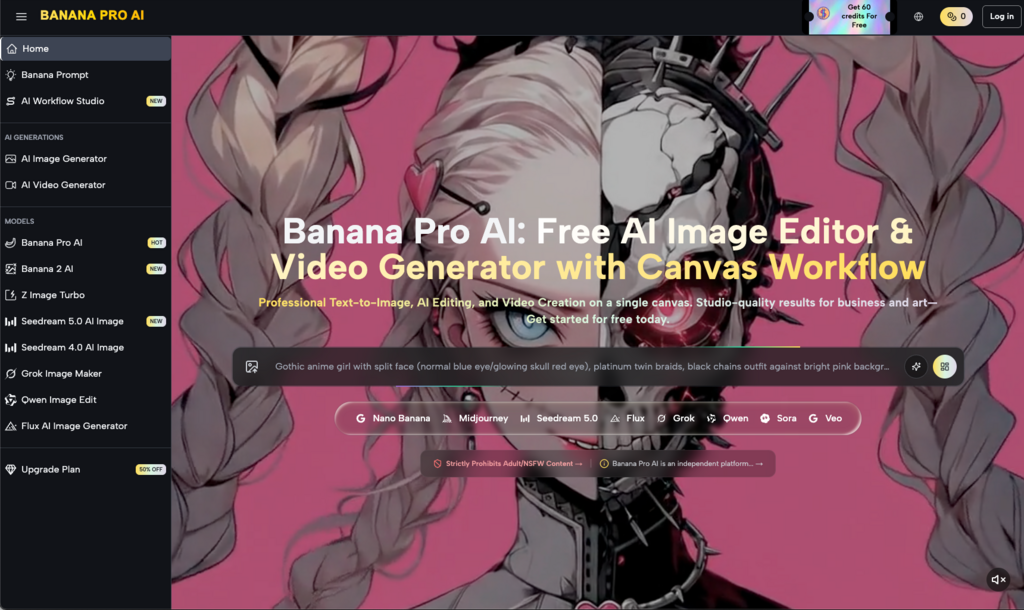
Moving away from the “prompt gallery” and toward a “canvas workflow” represents the professionalization of generative AI. For an agency or an in-house team, the canvas is where the actual creative direction happens. It allows for a layered approach to asset creation.
- Base Layer: Generating the core concept.
- Refinement Layer: Using inpainting to fix anatomical errors or compositional clutter.
- Variant Layer: Using regional changes to swap products, backgrounds, or colors for A/B testing.
- Final Polish: Upscaling and exporting for social or search platforms.
This structured approach makes the output predictable. Predictability is the most valuable commodity in performance marketing. When a creative lead can say, “We can deliver 50 variations of this winning ad by EOD,” they are relying on the efficiency of the Nano Banana speed and the precision of the editing tools, not the luck of the prompt.
Final Thoughts on Production Efficiency
The future of AI-driven creative isn’t about better prompts; it’s about better workflows. By mastering the art of the precision pivot, marketers can move away from the frustration of “near-miss” generations and toward a reliable, iterative production model. Tools that emphasize regional control and fast, lightweight iterations allow teams to maintain high standards of brand consistency while hitting the volume required by modern digital platforms.
The goal is to stop treating AI as a magic box and start treating it as a highly capable, albeit sometimes finicky, digital assistant. Use it to do the heavy lifting of creation, but use the editing suite to apply the human judgment and brand alignment that ultimately drives performance. In the high-stakes world of ad creative, the winner isn’t the one with the best prompt, but the one who can iterate toward perfection the fastest.