
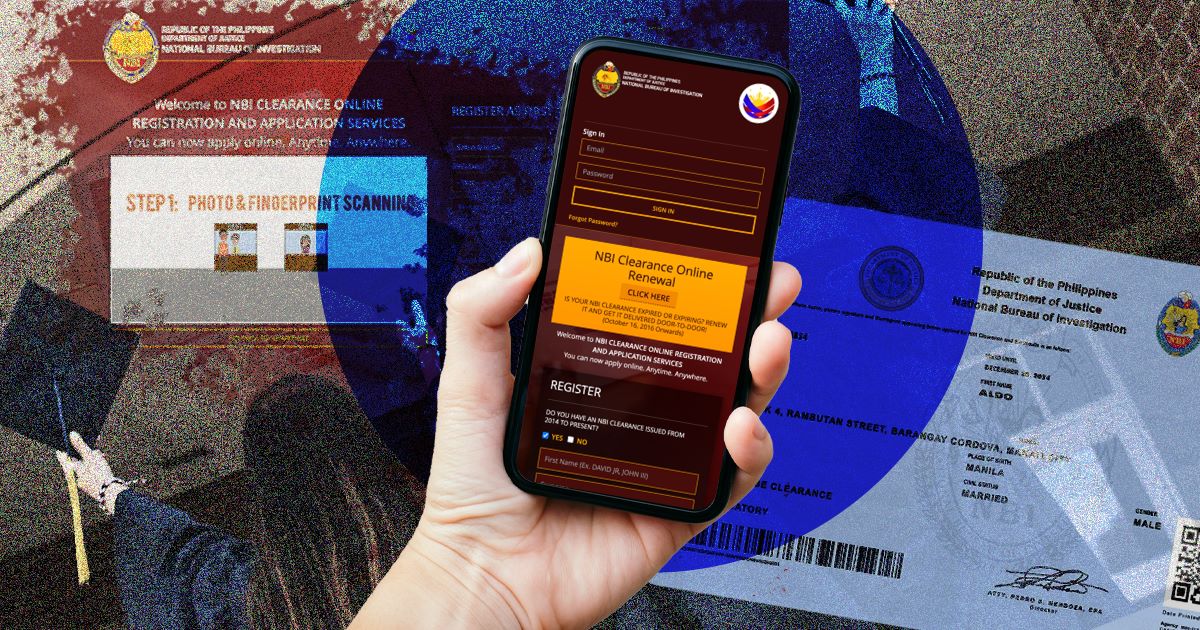
Most guides to NBI registration online focus on the forms, the fees, and the appointment steps. What they skip is the one thing that can quietly derail the entire process before you even reach the payment page: your mobile network.
Every NBI online registration depends on a One-Time Password (OTP) sent straight to your SIM. If that message doesn’t land in time, or doesn’t land at all, your registration stalls no matter how correctly you filled out the form. Here’s what actually determines whether your network gets that OTP to you, and what to do when it doesn’t.
Why NBI Registration Relies So Heavily on Your Network
When you sign up on the official NBI Clearance portal, the system doesn’t just ask for a mobile number, it uses that number as your identity checkpoint. Once you submit the registration form, NBI sends a six-digit OTP by SMS, and you typically have around five minutes to enter it before the code expires.
This isn’t a minor formality. It’s built into how the portal verifies you’re a real applicant and not a duplicate or fraudulent account. That’s also why the fix for most stuck registrations isn’t re-entering your details. It’s fixing the network path the OTP has to travel through.
What Actually Causes “OTP Not Received” Issues
A handful of network-side factors show up again and again for applicants stuck at the OTP screen:
Weak or inconsistent signal. SMS delivery is more sensitive to signal quality than most people assume. A phone showing full bars indoors can still miss a time-sensitive SMS if the network is congested in your area.
Wrong or inactive number entered. It sounds obvious, but a mistyped digit or a SIM that’s been inactive for a while (some networks recycle numbers after 30–90 days of no use) is one of the most common causes.
SMS spam filtering. Some phones and carrier-side filters quietly block automated SMS from unfamiliar short codes, including legitimate government ones. NBI’s OTP can end up in a blocked or hidden folder without any visible notification.
Network congestion during peak hours. Government portals see spikes in traffic during lunch breaks and early evenings, and SMS gateways can lag behind when many OTPs are being requested from the same provider at once.
Full message storage. An old phone with a nearly full SMS inbox can silently fail to receive new messages, including OTPs.
Step-by-Step: Getting Your OTP to Actually Arrive
- Check your signal before requesting the OTP, not after. If you’re at one or two bars, move somewhere with stronger reception first.
- Confirm the mobile number on screen matches your SIM exactly before hitting submit. A single wrong digit sends the code nowhere.
- Wait at least 60 seconds before requesting a resend. Repeated rapid requests can trigger a temporary block on new OTPs for that number.
- Restart your phone if nothing arrives after a couple of minutes. This refreshes your connection to the network and clears minor delivery hiccups.
- Clear space in your SMS inbox if it’s near full, especially on older devices with limited message storage.
- Temporarily disable spam or message-blocking settings tied to unknown senders while you complete registration.
- Switch networks if you have a backup SIM. If one carrier’s SMS gateway is lagging, a second SIM on a different network can get the OTP through immediately.
Tip: If you’ve requested several OTPs in a short window and none arrive, stop retrying and wait 15–20 minutes. Continuous requests can extend, not shorten, the delay.
Which Network Conditions Work Best for NBI Registration
Since the OTP travels as a standard SMS rather than through data, what matters isn’t your internet speed. It’s SMS reliability on your specific carrier and location.
- Strong, stable signal beats fast data. You can be on a slow connection and still receive an SMS instantly, as long as the signal itself is steady.
- Urban and suburban areas generally see faster OTP delivery than remote areas, where SMS gateways may route through fewer towers.
- Dual-SIM phones give you a built-in backup. If your primary network is congested, switching your active line to a secondary SIM often resolves the issue in seconds.
- Postpaid and prepaid lines both work fine, so the type of plan isn’t the deciding factor. Signal consistency at your specific location is.
When to Contact NBI Support Instead of Troubleshooting Further
If you’ve confirmed your number is correct, your signal is strong, and you’ve waited the recommended time between requests but still get nothing, the issue is likely on NBI’s system side rather than your network. At that point, reach out through the official NBI Clearance portal’s support channel, their listed hotline, or their verified social media page, and have your registered email and mobile number ready when you do.
Frequently Asked Questions
Why does NBI registration require an OTP at all? It confirms the mobile number belongs to a real, reachable applicant and protects the account from being created fraudulently.
Can I use a landline number for NBI registration? No. The portal requires an active mobile number capable of receiving SMS.
How long is the NBI OTP valid? Typically around five minutes from the time it’s sent, after which you’ll need to request a new one.
Does a stronger internet connection help my OTP arrive faster? Not directly. The OTP is delivered by SMS, so signal strength for calls and texts matters more than your data speed.
What if I no longer have access to the number I registered with? You’ll need to update your registered mobile number through the portal’s account recovery process or contact NBI support directly, since OTPs can only be sent to a verified number on file.