
The first time most people hear about the LTO Portal, it sounds intimidating. Government website. Online forms. Passwords. Verification emails that may or may not arrive. If you’ve ever stood in a long line at an LTO branch—sweaty, tired, and holding a folder thicker than it needs to be—you probably felt a mix of hope and doubt when the portal was introduced.
The idea is simple: bring LTO services online so people can save time, avoid unnecessary trips, and manage transactions more easily. In practice, the experience isn’t always perfect. Sometimes it works smoothly. Other times, it tests your patience. But despite the imperfections, the LTO Portal has changed how drivers, riders, and vehicle owners deal with the Land Transportation Office.
This guide walks you through the LTO Portal honestly—what it is, who it’s for, what you can do inside it, and where people usually get stuck. No hype. No sugarcoating. Just real, practical information.
What Is the LTO Portal?
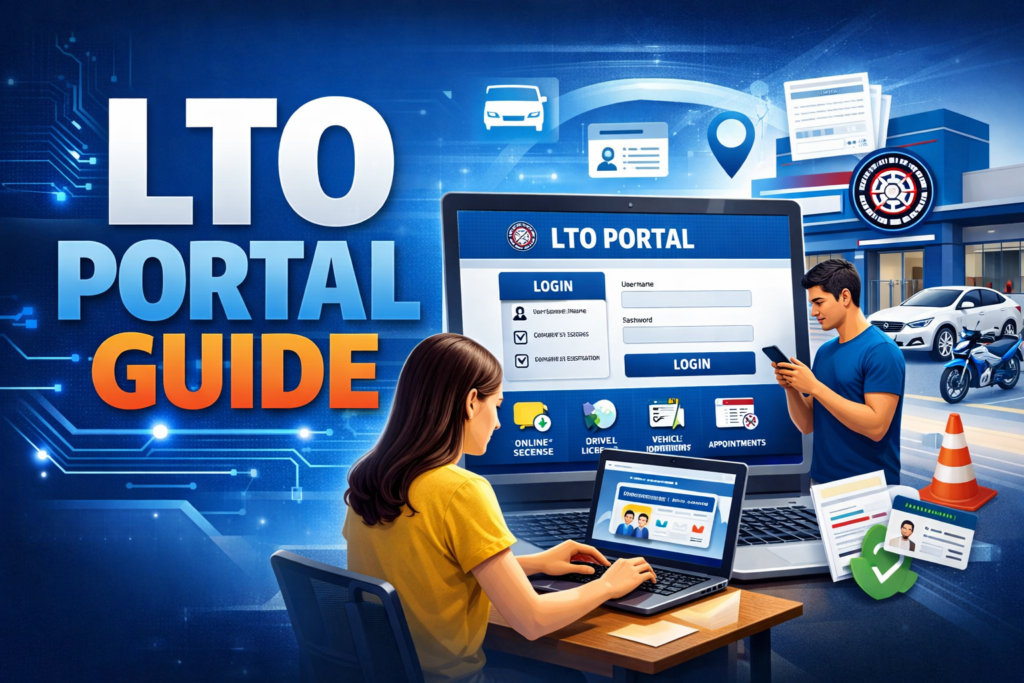
LTO Portal—also known as the LTMS Portal—is the official online system of the Land Transportation Office. It was created to centralize many LTO transactions in one digital platform.
Instead of relying entirely on walk-in processes, the portal allows users to:
- Create a personal LTO account
- Book appointments online
- Access transaction history
- Take required online exams
- Monitor application status
At its core, the LTO online portal is part of the government’s push toward digital public services. It doesn’t completely replace physical branches, but it reduces unnecessary visits. Think of it as your digital starting point before you ever step into an LTO office.
Who Can Use the LTO Portal?
The short answer? Almost anyone who deals with LTO services.
The portal is designed for:
- New driver’s license applicants
- Existing license holders (professional and non-professional)
- Vehicle owners
- Student permit applicants
- Motorcycle riders
- Employers managing vehicle registrations
Even if you don’t have an active license yet, you can still register for an LTO portal account. Many people wait until they “need” it, but registering early often saves time later—especially when appointment slots fill up fast.
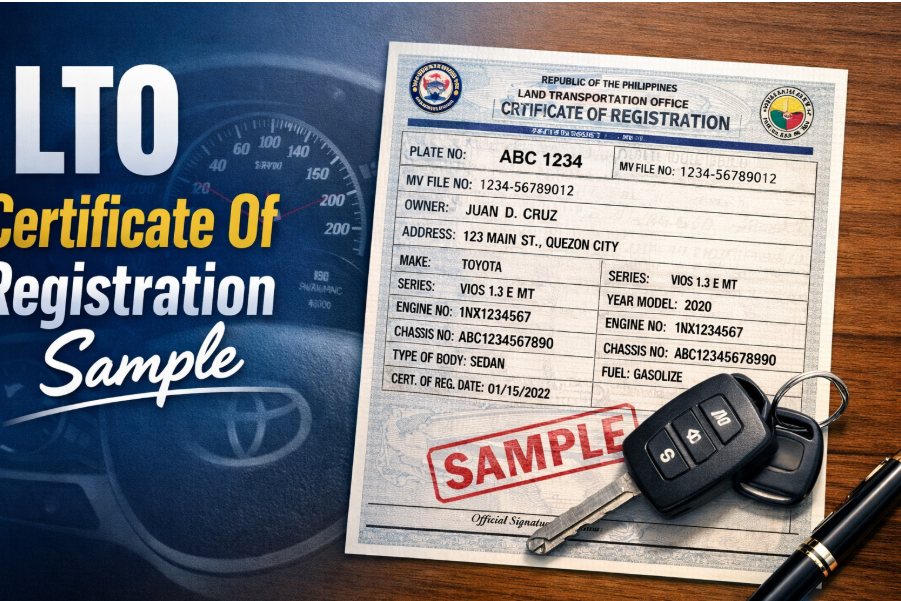
lto certificate of registration sample
One common reason people log in to the LTO Portal is to understand or verify vehicle records, including the Certificate of Registration (CR).
A typical LTO Certificate Of Registration Sample includes:
- Plate number
- Engine number
- Chassis number
- Vehicle make, series, and body type
- Owner’s name and address
- Registration validity dates
While the portal does not always provide a downloadable CR copy, it helps confirm registration details and transaction history. This is especially useful when buying second-hand vehicles. A quick online check can prevent costly mistakes later.
Key Services Available on the LTO Portal
The strength of the LTO Portal lies in its range of services. Not everything is fully digital yet, but the core functions are already useful.
Key services include:
- Online driver’s license application support
- Student permit processing
- Online exam for license renewal
- Appointment scheduling
- Viewing transaction records
- Updating personal information
- Checking application status
Not every service works the same way for everyone. Some users breeze through. Others need multiple attempts. That’s part of the reality of a growing system.
Colorum Philippines
The term colorum is often misunderstood in the Philippines. In simple terms, a colorum vehicle is one that operates without proper authorization—usually public transport vehicles running without franchises or permits.
The LTO Portal helps indirectly by:
- Improving record transparency
- Supporting proper registration and licensing
- Encouraging compliance through easier processes
While enforcement still happens on the road, digital systems make it harder for unregistered or unauthorized vehicles to slip through unnoticed over time. It’s not a magic fix, but it’s a step toward accountability.
How to Book an Appointment Through the LTO Portal
Booking an appointment is one of the most practical features of the LTO Portal—and also one of the most frustrating if you’re not prepared.
The basic steps:
- Create and verify your LTO portal account
- Log in to the LTMS portal
- Select your transaction type
- Choose an LTO branch
- Pick an available date and time
- Confirm your appointment
Here’s the honest part: appointment slots can disappear quickly. Sometimes a branch shows availability one day and none the next. Flexibility helps. Checking early in the morning also improves your chances.
LTO Portal Requirements
Before you dive in, it helps to prepare what the system usually asks for.
Common LTO Portal requirements include:
- Valid email address
- Mobile number
- Government-issued ID
- Personal details matching official records
- Stable internet connection (this matters more than you think)
For license-related services, you may also need medical certificates, exam results, or prior license details. Having these ready reduces mid-process stress.
What Type Of Helmet Should A Rider Must Use
Motorcycle safety is a big deal in the Philippines, and helmet rules are strict for a reason.
The type of helmet a rider must use should be:
- Standard protective motorcycle helmet
- With ICC or PS certification
- Properly fitted and securely fastened
Half-face, full-face, or modular helmets are allowed—as long as they meet safety standards. Novelty helmets don’t count. The LTO Portal itself doesn’t sell helmets, but it supports licensing and compliance systems that reinforce road safety rules.
LTO Portal Benefits
Despite its flaws, the LTO Portal offers real advantages.
Key benefits include:
- Reduced waiting time at branches
- Better tracking of transactions
- Online exams that save repeat visits
- Organized records in one account
- More predictable appointment scheduling
For working individuals or people living far from LTO offices, these benefits are not small. Even saving one unnecessary trip can make a big difference.
Common Problems With the LTO Portal (And How to Fix Them)
No honest guide ignores the problems.
Common issues include:
- Login errors
- Verification emails not arriving
- Appointment slots not showing
- Slow page loading
- System timeouts
Practical fixes:
- Double-check email spelling
- Check spam folders
- Use a stable browser and internet connection
- Log out and try again later
- Avoid peak hours when possible
Sometimes the best fix is patience. The system improves gradually, but it’s still evolving.
LTO Portal Safety and Data Privacy
Sharing personal information online always raises concerns—and rightly so.
The LTO Portal uses basic security measures such as:
- Account verification
- Password protection
- Controlled access to records
That said, users should also do their part:
- Avoid sharing login details
- Use strong passwords
- Log out on shared devices
- Be cautious with unofficial links
Digital safety is a shared responsibility. The portal is only as secure as how carefully people use it.
LTO Portal vs Walk-In LTO Transactions
This isn’t an either-or situation. Both options still exist.
LTO Portal advantages:
- Convenience
- Faster preparation
- Appointment certainty
Walk-in advantages:
- Immediate human assistance
- On-the-spot clarifications
- Useful for complex or urgent cases
Many people now use a hybrid approach—starting online, then finishing in person. That balance often works best.
Frequently Asked Questions (FAQs)
Is the LTO Portal required?
Not always, but many transactions are easier with it.
Can I register even without a license?
Yes. You can create an account before applying.
Does the portal replace all LTO visits?
No. Physical presence is still required for biometrics and some approvals.
Is the LTO Portal free to use?
Yes. You only pay official LTO fees for transactions.
What if I make a mistake in my details?
Some details can be edited online; others require branch verification.
Conclusion
The LTO Portal isn’t perfect—and pretending it is would be dishonest. It can be slow, confusing, and occasionally frustrating. But it’s also a meaningful improvement over purely manual processes that drained time and energy for years.
If you approach it with realistic expectations, preparation, and a bit of patience, the portal becomes a helpful tool rather than a burden. It won’t eliminate all lines or all problems, but it gives you more control over how you deal with LTO transactions.
And in a system where control used to feel impossible, that alone makes the LTO Portal worth using.