
In today’s digital world, presentations play a crucial role in education, business, and professional communication. Often, important information is shared in PDF (Portable Document Format) files because they are secure, easy to share, and maintain formatting across devices. However, PDFs are not always ideal for presentations or editing. This is where the need for PDF to PPT conversion arises. Converting a PDF file into a PowerPoint (PPT) presentation allows users to edit content, add animations, and present information more effectively. This article explains what PDF to PPT conversion is, why it is useful, methods to convert files, tools available, benefits, challenges, and best practices.
What Is PDF to PPT Conversion?
PDF to PPT conversion is the process of transforming a PDF document into a PowerPoint presentation (.ppt or .pptx format). During this process, text, images, charts, and layouts from the PDF are extracted and placed into editable PowerPoint slides. The goal is to retain the original design and structure of the PDF while making the content fully editable in PowerPoint.
Why Convert PDF to PPT?
There are several reasons why people convert PDFs into PowerPoint presentations:
- Easy Editing: PDFs are difficult to edit, while PPT files allow easy modification of text, images, and layouts.
- Professional Presentations: PowerPoint offers tools like animations, transitions, and speaker notes that enhance presentations.
- Time-Saving: Instead of recreating slides manually, conversion saves time and effort.
- Collaboration: PPT files are easier to share and edit collaboratively.
- Reusability: Content from reports, ebooks, or research papers in PDF format can be reused for presentations.
Common Use Cases of PDF to PPT:
PDF to PPT conversion is widely used across different fields:
- Education: Teachers and students convert study materials and notes into slides for lectures.
- Business: Companies convert reports, proposals, and manuals into presentations for meetings.
- Marketing: Marketers transform brochures and whitepapers into engaging slide decks.
- Training: Trainers convert instructional PDFs into interactive PowerPoint slides.
Methods to Convert PDF to PPT:
There are multiple ways to convert PDF files into PowerPoint presentations:
1. Online PDF to PPT Converters
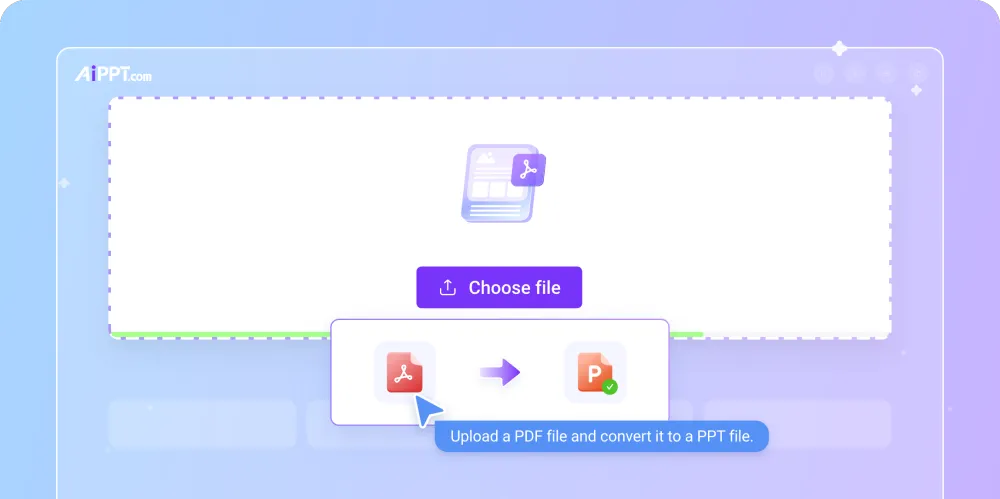
Online tools are popular because they are easy to use and require no installation. Users simply upload a PDF file, convert it, and download the PPT file. These tools are ideal for quick and simple conversions.
2. Desktop Software:
Professional desktop software provides more accurate conversions and advanced editing options. These tools are suitable for large or complex PDF files containing graphics, tables, and charts.
3. Built-in PowerPoint Feature:
Microsoft PowerPoint allows users to import PDF content or open PDFs directly in some versions. While this method is convenient, formatting accuracy may vary.
4. Manual Conversion:
In some cases, users copy content from a PDF and paste it into PowerPoint slides manually. This method offers full control but is time-consuming.
Popular PDF to PPT Tools:
Many tools are available for PDF to PPT conversion, including:
- AiPPT
- Online PDF converters
- Dedicated PDF software
- Office productivity tools
These tools differ in features, accuracy, speed, and pricing. Free tools are suitable for basic needs, while paid tools offer better quality and batch conversion options.
Benefits of Using PDF to PPT Conversion
Converting PDF to PPT offers many advantages:
- Editable Content: Users can easily update and customize slides.
- Enhanced Visual Appeal: PowerPoint allows animations, transitions, and multimedia integration.
- Improved Communication: Presentations make information more engaging and easier to understand.
- Flexibility: Slides can be rearranged, resized, or redesigned as needed.
Challenges in PDF to PPT Conversion:
Despite its benefits, PDF to PPT conversion may have some challenges:
- Formatting Issues: Fonts, layouts, or images may shift during conversion.
- Complex Graphics: Charts and diagrams may not convert perfectly
. - Large File Sizes: High-quality images can increase PPT file size.
- Security Concerns: Uploading sensitive PDFs to online tools may pose privacy risks.
Best Practices for Accurate Conversion:
To achieve the best results when converting PDF to PPT, follow these tips:
- Use high-quality and well-structured PDF files.
- Choose reliable and trusted conversion tools.
- Review and edit the converted PPT for formatting errors.
- Keep a backup of the original PDF file.
- Avoid using scanned PDFs unless OCR (Optical Character Recognition) is supported.
Conclusion:
PDF to PPT conversion is a powerful solution for transforming static PDF documents into dynamic and editable PowerPoint presentations. Whether for education, business, marketing, or training, converting PDF files into PPT format saves time, improves presentation quality, and enhances communication. By using the right tools and following best practices, users can overcome formatting challenges and create professional presentations effortlessly. As the demand for digital presentations continues to grow, PDF to PPT conversion remains an essential skill and tool in the modern digital workspace.