
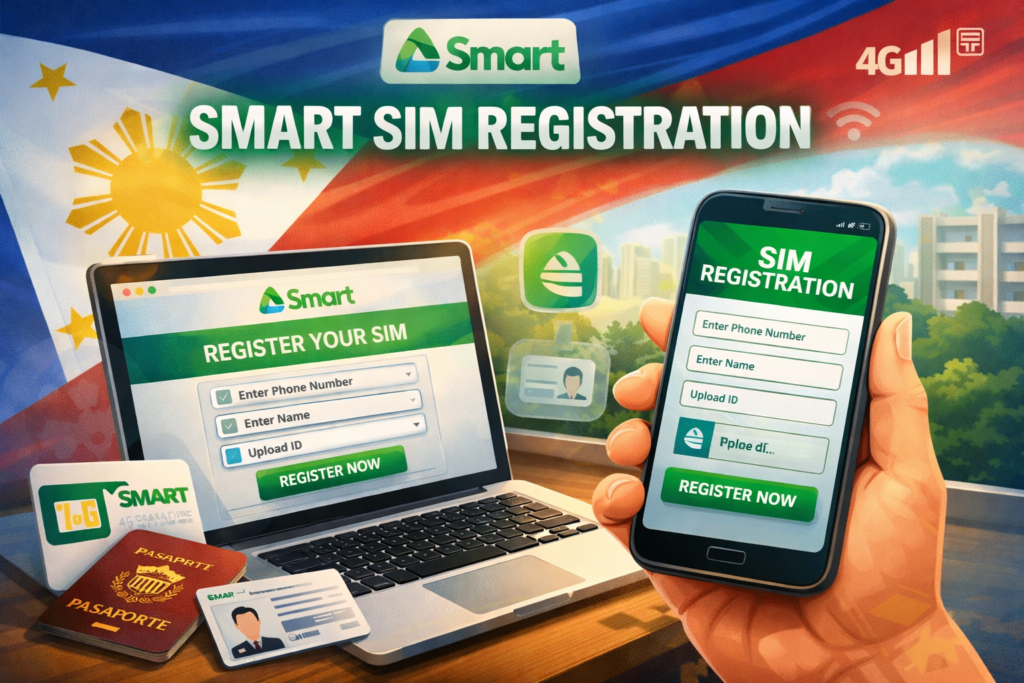
The Philippine government mandates Smart SIM registration under Republic Act No. 11934 (SIM Registration Act) to protect subscribers and prevent fraud. Smart Communications users must register their SIM cards to continue using their numbers, access promos, and enjoy uninterrupted services.
Why Smart SIM Registration is Important
Smart SIM registration helps:
- Prevent identity theft and fraud
- Ensure compliance with Philippine law
- Secure your number for transactions, promos, and online services
- Avoid service deactivation or suspension
Who Needs to Register a Smart SIM
All Smart SIM users in the Philippines must register, including:
- New SIM card owners
- Existing subscribers who haven’t registered yet
- Users of prepaid or postpaid services
Failure to register your Smart SIM may result in temporary number suspension until registration is completed.
Requirements for Smart SIM Registration
Before registering, prepare the following:
- Valid ID – Choose from:
- Passport
- Driver’s License
- SSS or GSIS ID
- UMID Card
- Postal ID or Voter’s ID
- Your Smart SIM card – Ensure the SIM is active in your phone
- Personal information – Full name, birthdate, and address
How to Register Your Smart SIM
Smart offers multiple ways to register your SIM safely and conveniently.
1. Register via Smart App
- Download the Smart App from Google Play Store or Apple App Store
- Open the app and go to the SIM Registration section
- Enter your personal details and upload a valid ID photo
- Submit the information and wait for confirmation
2. Register Online via Smart Portal
- Visit the official Smart registration portal
- Fill in the required personal and SIM details
- Upload a scanned copy of your valid ID
- Submit and wait for verification confirmation
3. Register at a Smart Store
- Visit any authorized Smart Store or partner outlet
- Bring your valid ID and SIM card
- A representative will help you complete your registration
Common Issues and Troubleshooting
- Invalid ID or mismatched information – Ensure your ID details match your registration form
- Duplicate SIM registration – One ID can only be linked to a certain number of SIMs
- Delayed verification – Check your submission status via the Smart App or portal
How Long Does It Take?
Most Smart SIM registrations are verified within a few hours to 1 business day. If additional checks are needed, verification may take longer.
What Happens If You Don’t Register?
Unregistered Smart SIM users may face:
- Suspension of network services
- Inability to use promos or new packages
- Permanent deactivation if registration is not completed within the government-mandated deadline
Conclusion
Registering your Smart SIM is quick, easy, and essential to keep your number active and secure. Whether through the Smart App, online portal, or a Smart Store, completing your registration ensures uninterrupted access to calls, texts, data, and promos.
Don’t wait—register your Smart SIM today and stay connected safely!